
QC Software module
Inspector app
Register with the Inspector app
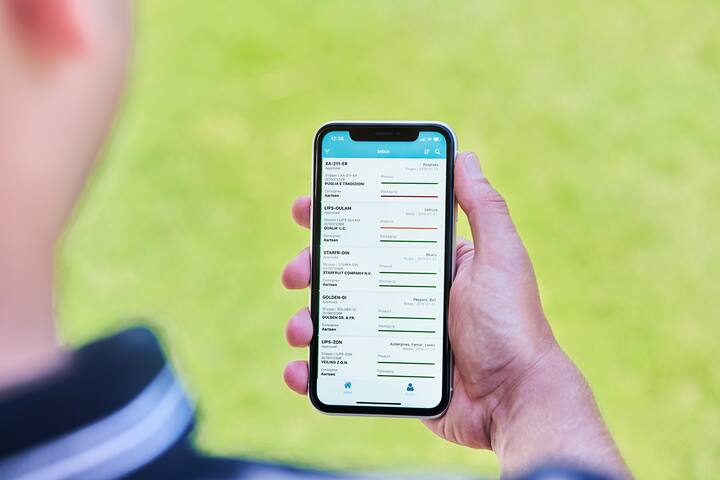
Do you want to prevent claims and recalls, while at the same time combating food waste? Register, analyse and distribute quality information of fresh products throughout the entire supply chain with QC One. Part of this is the Inspector app, with which you can even work offline. This helps your organisation in your pursuit of optimal food safety.
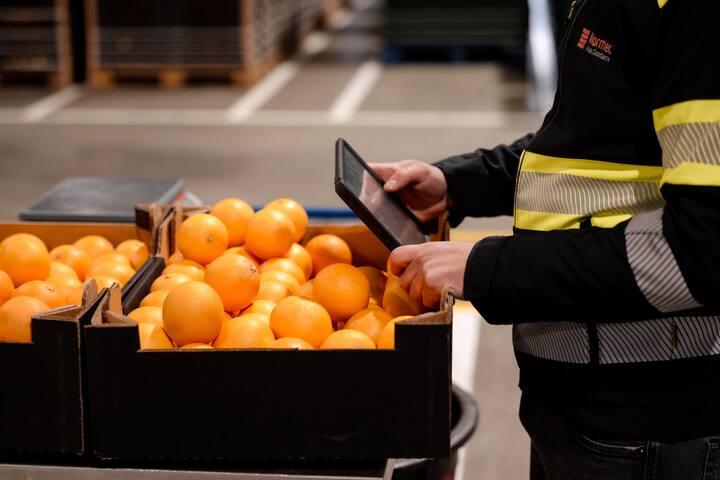
With the user-friendly hybrid offline app, the inspectors are guided step-by-step through an inspection. You can add photos at the same time to create professional reports and share them instantly. This ensures that your registration is complete, error-free and fast.
Want to know more about the inspector app? Discover QC Software
Request a demo and see what QC Software can do for you and your company.
The components of the Inspector app
Work anywhere, even if you temporarily have no internet connection. The app remains fully functional. Inspections are saved, and completed reports are sent as soon as the app is back online. The app is currently available for iOS iPads.
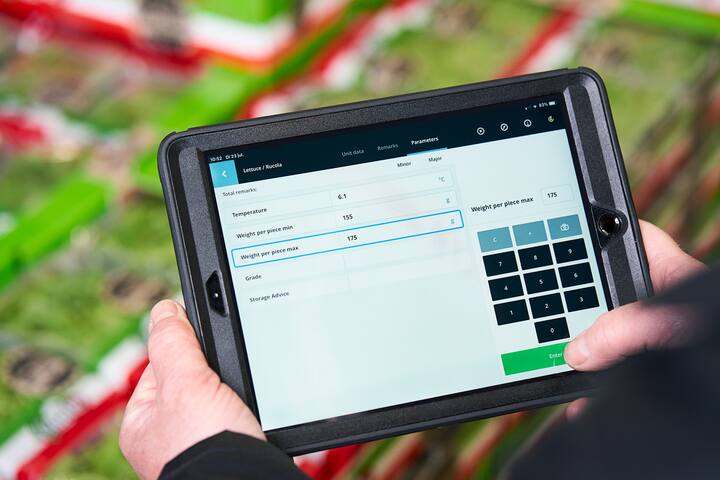
The data entry is set up in such a way that the entire inspection flow can be completed using a keyboard. In addition, the order of the parameters can be adjusted precisely to match the inspector's working method during the inspection. In this way, the system provides support without creating any obstacles.
Simply add photos to the specific samples to clearly and professionally record the condition of the goods to be inspected. Photos can be shot in real time directly from a camera or taken with the tablet’s camera. This prevents blurry photos, because they are checked directly on the tablet. They do not have to be added afterwards during an error-prone and time-consuming process.
It is possible to process instructions in the inspection templates, which become visible within the app. Think of customer-specific questions or supporting instructions for onboarding.
In addition to an extensive search function, it is also possible to scan barcodes. For example, EAN validation can be performed, and inspections can be searched. Have you integrated everything optimally? Then, inspections with the most current stock can be created from an ERP after scanning a pallet or lot barcode.
If the app does remain primarily connected to the internet, it is possible to work with webhooks. These are messages that can also be sent back to the unit after an inspection has been completed.
Suggestive parameters are an enormously enriching feature. These are dataset elements that can be entered in advance and sent along with the data. Examples include certain measurements from previous inspections, quality statuses, and risk profiles.
Request a free demo
These services might also be of interest to you
Reports app

Online portal
Specification Manager
Leading companies in this service
Normec QC One
Poortugaal Netherlands
Do you want to create a safe and healthy working and living environment?
FAQ
Frequently asked questions
The Inspector app is a hybrid offline solution within QC One that allows inspectors to register, analyse, and report quality checks – even without an internet connection.
The Inspector app is currently available for iOS iPads.
Key features include:
Wizard-style entry & workflow for fast, error-free inspections
Photo capture for professional reporting
Barcode scanning and EAN validation
Instructions embedded in templates
Suggestive parameters and real-time webhooks